What to do if your Microsoft account is hacked from a phishing attempt
Contact Microsoft Support Right away
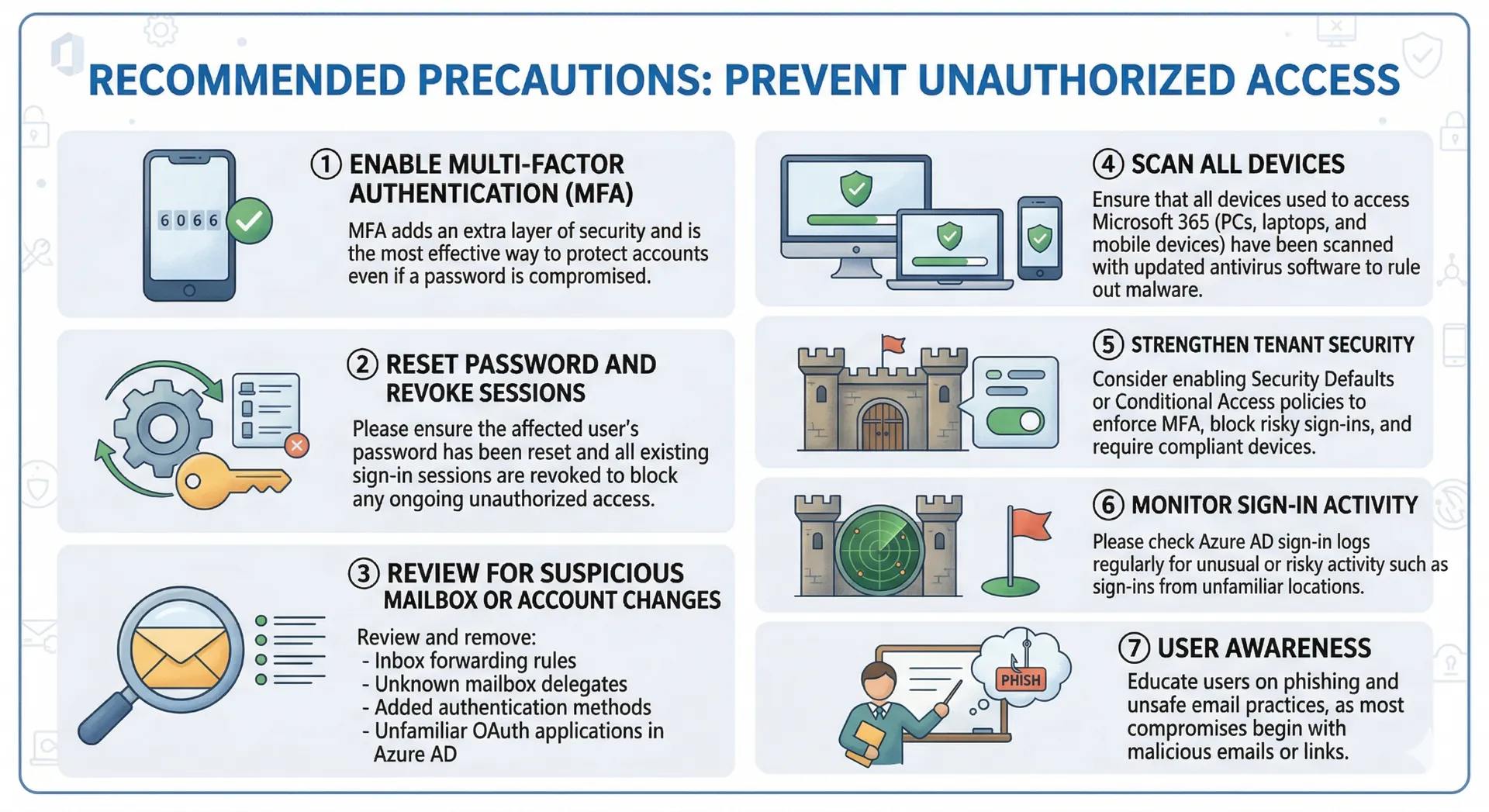
Below are the recommended precautions to prevent future unauthorized access:
1. Enable Multi‑Factor Authentication (MFA)
MFA adds an extra layer of security and is the most effective way to protect accounts even if a password is compromised.
2. Reset Password and Revoke Sessions
Please ensure the affected user’s password has been reset and all existing sign‑in sessions are revoked to block any ongoing unauthorized access.
3. Review for Suspicious Mailbox or Account Changes
Attackers often create hidden rules or add permissions. We recommend reviewing and removing any:
- Inbox forwarding rules
- Unknown mailbox delegates
- Added authentication methods
- Unfamiliar OAuth applications in Azure AD
- RSS rules
4. Scan All Devices
Ensure that all devices used to access Microsoft 365 (PCs, laptops, and mobile devices) have been scanned with updated antivirus software to rule out malware.
5. Strengthen Tenant Security
Consider enabling Security Defaults or Conditional Access policies to enforce MFA, block risky sign‑ins, and require compliant devices.
6. Monitor Sign‑In Activity
Please check Azure AD sign‑in logs regularly for unusual or risky activity such as sign-ins from unfamiliar locations.
7. User Awareness
Educate users on phishing and unsafe email practices, as most compromises begin with malicious emails or links